

Start here
What Driver-Assist Technology Actually Is
Next
The Core Systems You'll Encounter
Then
Which Features Matter Most for Comfortable, Confident Driving
Before you shop
Questions to Ask Before You Buy
What Driver-Assist Technology Actually Is
Driver-assist technology — often grouped under the term ADAS — refers to electronic systems built into a vehicle that monitor the road and surrounding environment, then alert you or take limited action to help prevent a collision or reduce driver workload. These systems use sensors, cameras, and radar to gather information your own eyes might miss, particularly in busy or unfamiliar situations.
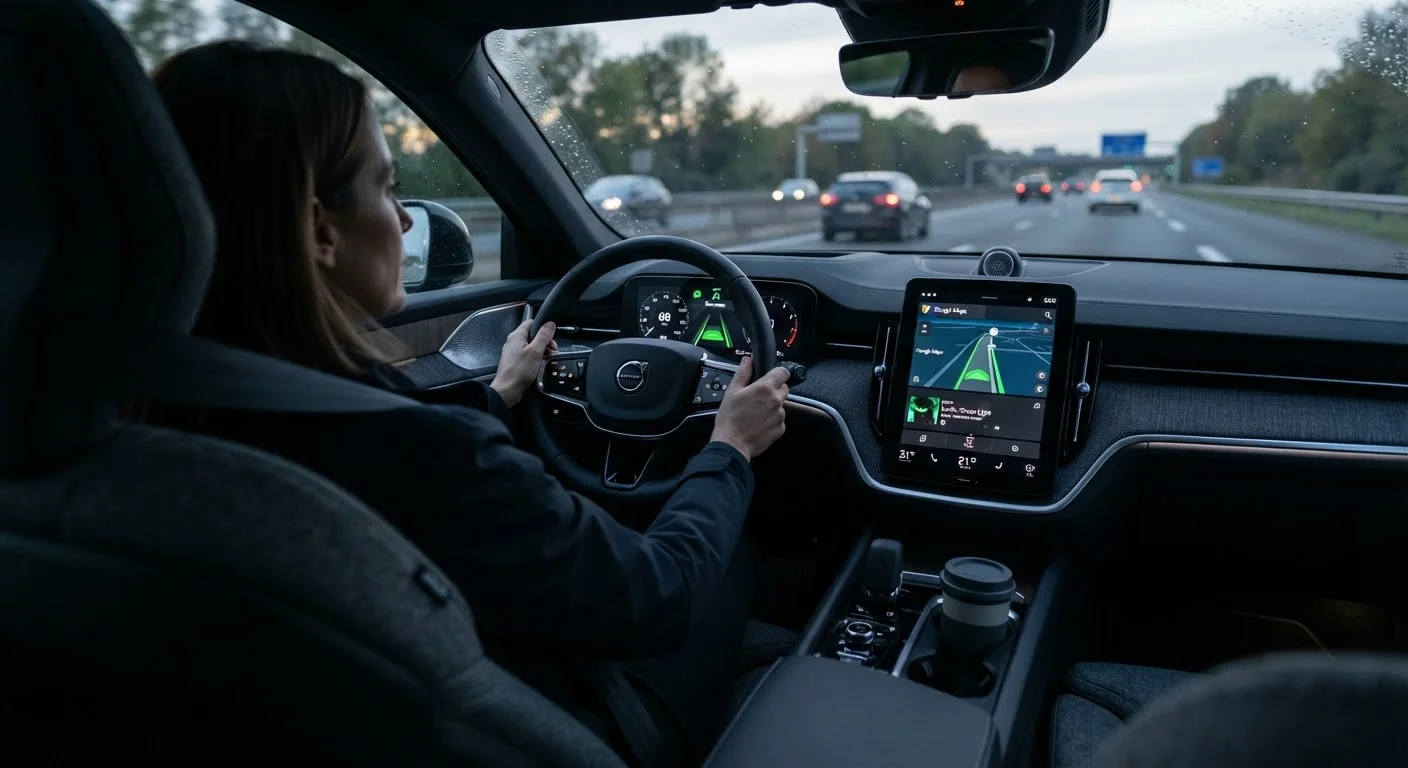
It is important to understand from the start: these features assist a driver; they do not drive the car. Responsibility stays with you behind the wheel. For a plain-language glossary of the terms you'll see on window stickers and in owner's manuals, see our ADAS glossary.
ADAS
Short for Advanced Driver Assistance Systems — the umbrella term for the electronic safety and support features built into modern vehicles.
Automatic Emergency Braking
A system that detects an imminent collision and applies the brakes on your behalf if you have not reacted quickly enough.
Blind-Spot Monitoring
A sensor-based feature that alerts you when a vehicle is in the area beside and slightly behind your car that is difficult to see in your mirrors.
Adaptive Cruise Control
A form of cruise control that automatically adjusts your vehicle's speed to keep a set distance from the car ahead, rather than holding a fixed speed regardless of traffic.
Lane Departure Warning
A system that alerts you — through sound, vibration, or a visual signal — when your car begins to drift out of its lane without the turn signal being activated.
Rear Cross-Traffic Alert
A radar-based warning that detects vehicles moving across the path behind your car as you reverse, alerting you before they appear in the backup camera view.
The Core Systems You'll Encounter
When shopping for a new car, you are likely to come across the following systems. Understanding what each one actually does removes the confusion that often comes with marketing language.
Automatic Emergency Braking (AEB)
AEB detects when a collision with the vehicle or obstacle ahead is imminent and applies the brakes automatically if you haven't reacted in time. It has become standard on nearly all new vehicles sold in the U.S. Some versions also detect pedestrians. AEB does not prevent all collisions, but it can reduce impact speed meaningfully.
Blind-Spot Monitoring
A warning light appears in or near your side mirror when a vehicle enters the zone alongside your car that's hard to see in normal mirrors. Some systems add an audible alert or gentle steering feedback if you signal a lane change while a vehicle is present. This feature is especially useful on highways.
Lane-Keeping Assist and Lane Departure Warning
Lane departure warning sounds or vibrates when your vehicle drifts over a lane line without signaling. Lane-keeping assist goes a step further, providing brief steering input to guide you back. Neither system replaces attentive driving; both can be turned off if you find them intrusive.
Adaptive Cruise Control
Unlike standard cruise control, adaptive cruise control uses radar to detect the vehicle ahead and automatically slows or accelerates your car to maintain a set following distance. It reduces the need to frequently adjust your speed in moderate highway traffic.
Rear Cross-Traffic Alert and Backup Camera
A backup camera provides a live view of what's directly behind your vehicle — now federally required on all new cars sold in the U.S. Rear cross-traffic alert adds radar detection for vehicles crossing behind you as you reverse out of a parking space, sounding a warning before they come into camera view.
For a broader look at how these systems work together, our complete safety technology overview explains the sensor networks involved.
Which Features Matter Most for Comfortable, Confident Driving
Not every driver-assist feature will feel equally useful. The right combination depends on where and how you drive. Here is a practical way to think about priorities.
- City and suburban drivers tend to benefit most from automatic emergency braking, blind-spot monitoring, and rear cross-traffic alerts — the situations most common in stop-and-go and parking-lot environments.
- Highway and long-distance drivers often find adaptive cruise control reduces fatigue on longer stretches, while lane departure warning provides a helpful nudge on monotonous routes.
- Drivers navigating unfamiliar roads may appreciate navigation features working alongside safety alerts. Our article on navigation features for older drivers covers complementary tools.
Request a Hands-On Demo Before You Decide
Ask the dealer to demonstrate each driver-assist feature in the actual vehicle you're considering — not just describe it. Sitting in the driver's seat and experiencing how alerts sound and where warning lights appear helps you judge whether the system feels intuitive. This is especially worth doing for lane-keeping assist and adaptive cruise control, which vary noticeably between manufacturers.
Comfort with a feature also matters. A system that startles or confuses you may do more harm than good. The features that make the biggest difference for older drivers article offers additional context on which technologies align with common senior driving patterns.
Questions to Ask Before You Buy
Walking into a showroom informed puts you in a much stronger position. Before committing to a vehicle, consider asking:
- Which driver-assist features are standard, and which cost extra? Read the window sticker carefully and confirm what is included in the trim level you're considering.
- Can I adjust or turn off features I find distracting? Ask for a demonstration of the settings menu so you understand how much control you have.
- Will someone walk me through each system before I drive off the lot? Many dealers offer this; don't hesitate to ask. A short explanation now prevents confusion later.
- How do these systems perform in the weather conditions common where I live? Camera-based systems can be affected by glare, snow, and heavy rain. Know the limitations upfront.
The senior safety features overview offers an end-to-end look at every major category — a useful companion as you narrow your choices. And if you're weighing how much safety technology has changed across model years, the safety technology gap between older and newer vehicles provides helpful perspective.
This article is for general informational purposes only and does not constitute safety, legal, or financial advice. Vehicle features, availability, and regulatory requirements vary by manufacturer, model year, and region. Always consult the owner's manual and a qualified dealer representative for guidance specific to the vehicle you are considering.
Frequently Asked Questions
No. These systems are designed to assist, warn, or briefly intervene — not to drive the car for you. You remain in control at all times, and most systems can be overridden immediately by steering or braking. Think of them as a second set of eyes, not an autopilot.
Most systems can be adjusted or disabled through the vehicle settings menu. However, some safety-critical features may reset each time you start the car. Before buying, ask the dealer which features are adjustable and how easy the controls are to reach.
It varies by manufacturer and trim level. Automatic emergency braking has become standard on the vast majority of new vehicles sold in the U.S., but features like adaptive cruise control or lane-centering may be optional packages. Always check the window sticker for what is included.
Most systems use cameras and radar sensors that can be affected by heavy rain, snow, mud, or bright glare. Performance may be reduced in such conditions. The owner's manual will describe each system's limitations, and it's important to read those sections carefully.
No. Adaptive cruise control automatically adjusts your speed to maintain a safe distance from the vehicle ahead, but it does not steer, change lanes, or navigate. True self-driving technology is not commercially available for consumer purchase in ordinary vehicles.
Start with the owner's manual, which explains each system step by step. Many dealerships also offer a walkthrough demonstration — request one before you leave the lot. Short practice drives in a quiet area can build comfort before relying on any system in heavier traffic.
The content on this site is for informational purposes only and is not a substitute for professional advice. Always consult a qualified professional for guidance specific to your situation.