

Start here
What Driver-Assist Technology Actually Is
Next
The Systems Most Relevant to Senior Drivers
Then
What These Systems Cannot Do
When you're ready
How to Evaluate These Features When Car Shopping
What Driver-Assist Technology Actually Is
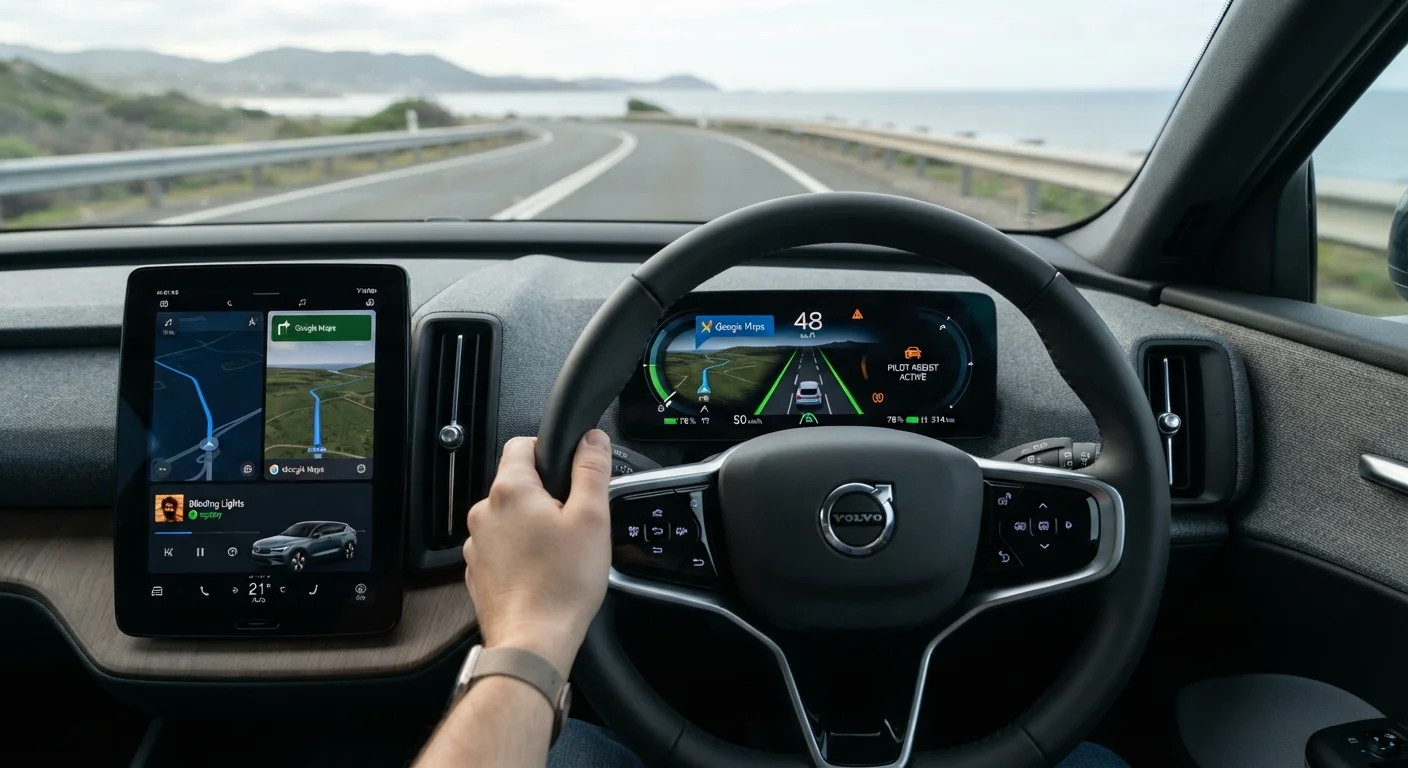
Driver-assist technology — often grouped under the term ADAS — refers to a collection of electronic systems built into modern vehicles that monitor the driving environment and either alert the driver or briefly take corrective action when a potential hazard is detected. These are not self-driving features. Every system in this category is designed to support an attentive, licensed driver, not to replace one.
The sensors behind these systems include cameras mounted around the vehicle, radar units typically embedded in the front grille or bumper, and ultrasonic sensors near the bumpers. Together they give the car a continuous picture of nearby vehicles, lane markings, pedestrians, and obstacles. When something enters a danger threshold, the system responds — sometimes with a sound or visual alert, sometimes with a gentle steering nudge or automatic brake application.
For a fuller explanation of the terminology you'll encounter on window stickers and in owner's manuals, see our plain-language ADAS glossary.
ADAS
Advanced Driver Assistance Systems — the collective term for electronic safety features in modern vehicles that monitor the driving environment and warn or assist the driver.
Automatic Emergency Braking
A system that detects an imminent collision and applies the brakes automatically if the driver has not responded in time.
Blind-Spot Monitoring
A sensor-based system that alerts the driver when another vehicle is positioned in the area alongside or slightly behind the car that is difficult to see in mirrors.
Lane-Keeping Assist
A feature that detects when the vehicle begins to drift unintentionally out of its lane and either alerts the driver or applies gentle steering correction.
Adaptive Cruise Control
A form of cruise control that automatically adjusts the vehicle's speed to maintain a safe following distance from the car ahead.
Rear Cross-Traffic Alert
A system that uses sensors to detect vehicles or pedestrians approaching from the side while the car is reversing, warning the driver before a collision can occur.
The Systems Most Relevant to Senior Drivers
Not all driver-assist features carry equal value for every driver. For seniors, several stand out because they directly address common age-related changes in vision, reaction time, and physical mobility.
- Automatic Emergency Braking (AEB): Detects vehicles or pedestrians ahead and applies the brakes if the driver does not respond in time. This compensates for the fraction-of-a-second delay that naturally increases with age.
- Blind-Spot Monitoring (BSM): Illuminates a warning light in the side mirror when a vehicle occupies the blind spot beside or behind your car. Reduced neck flexibility can make shoulder-checking difficult; this system provides a reliable supplement.
- Rear Cross-Traffic Alert: Warns the driver of approaching vehicles or pedestrians when reversing out of a parking space — a particularly useful feature when sightlines are restricted.
- Lane-Keeping Assist (LKA): Detects unintentional drift across lane markings and applies gentle steering correction or delivers a steering-wheel vibration alert.
- Adaptive Cruise Control (ACC): Maintains a set following distance from the vehicle ahead automatically, reducing the constant acceleration and braking demands on longer highway trips.
- Forward-Collision Warning (FCW): Provides an audible or visual alert when closing speed on the vehicle ahead is unsafe, giving the driver extra reaction time.
Our companion article on safety features that make the biggest difference for older drivers explores each of these in greater depth.
Test Every Alert in Person
During any test drive, ask the salesperson to help you experience each driver-assist alert firsthand — sound, vibration, or dashboard light. What reads well on a brochure may feel intrusive or too subtle in practice. Your comfort with the alerts matters as much as the feature itself.
What These Systems Cannot Do
A realistic understanding of these technologies is just as important as knowing what they offer. Driver-assist systems have meaningful limitations that every driver should keep in mind.
Sensors can be degraded by heavy rain, snow, ice, direct sunlight, or dirt on camera lenses. A system that functions flawlessly in clear conditions may not perform reliably in a winter storm. Similarly, these technologies are calibrated for specific scenarios; they may not detect every hazard in every situation.
Perhaps most importantly, these features can create a false sense of security. Overestimating what assisted driving technology can do is a documented risk. Drivers who assume the car will always intervene may become less attentive — precisely the opposite of the intended effect. Our article on misconceptions about driver-assist systems addresses this hazard directly.
These Systems Require an Alert Driver
Driver-assist features are designed to support attentive driving — not to substitute for it. Relying on any system to handle hazards without your active involvement increases risk rather than reducing it. Always remain fully engaged behind the wheel, regardless of which technologies your vehicle includes.
How to Evaluate These Features When Car Shopping
When comparing vehicles, treat driver-assist features as a concrete checklist item rather than an afterthought. Because availability varies by trim level and model year, it pays to confirm exactly which systems are included in any vehicle you are seriously considering. The safety technology gap between older and newer vehicles is substantial, so model year matters.
During a test drive, ask a dealership staff member to demonstrate each system. Pay attention to how alerts are delivered — some use sounds, others use seat vibration or visual signals. Consider whether the alert style suits your hearing and vision. A feature that is easy to perceive and understand is far more useful than one that is technically present but confusing in practice.
Finally, read the owner's manual section covering each driver-assist system before relying on it in real-world driving. Understanding what a system is designed to do — and what it is not — is the foundation of using it safely. For broader context on in-car technology that supports comfortable, confident driving, see our overview of navigation and connectivity tech for senior drivers.
Senior Safety Features Hub
A curated collection of articles covering the driver-assist and safety technologies most relevant to older drivers, from blind-spot alerts to automatic braking.
ADAS Plain-Language Glossary
A quick-reference guide to the terminology you will encounter on vehicle window stickers and in owner's manuals when researching driver-assist systems.
Safety Accessories Overview
Explores accessories and add-on tools that can further support safe, confident driving for seniors, complementing built-in vehicle safety technology.
Frequently Asked Questions
No. Even the most advanced driver-assist packages require a fully attentive driver at all times. These systems provide warnings or brief interventions; they do not replace human judgment or control.
Not universally. Some features — such as automatic emergency braking — have become increasingly common on new vehicles, but availability still varies by make, model, and trim level. Always confirm which features are included before purchasing.
Most systems are designed to work quietly in the background, requiring little active input. A walkthrough with a knowledgeable dealership staff member and time spent with the owner's manual can make the learning curve manageable.
Some features, such as backup cameras and blind-spot monitoring, appeared on certain models a decade ago, but coverage was less consistent. Newer model years generally offer broader and more reliable packages.
Most systems operate passively unless a potential hazard is detected. Drivers occasionally find lane-keeping or automatic braking interventions startling at first, but familiarity develops quickly with regular use.
Your vehicle's owner's manual is the primary reference. Automotive safety organizations and consumer vehicle-testing bodies also publish plain-language explanations of common systems.
The content on this site is for informational purposes only and is not a substitute for professional advice. Always consult a qualified professional for guidance specific to your situation.