

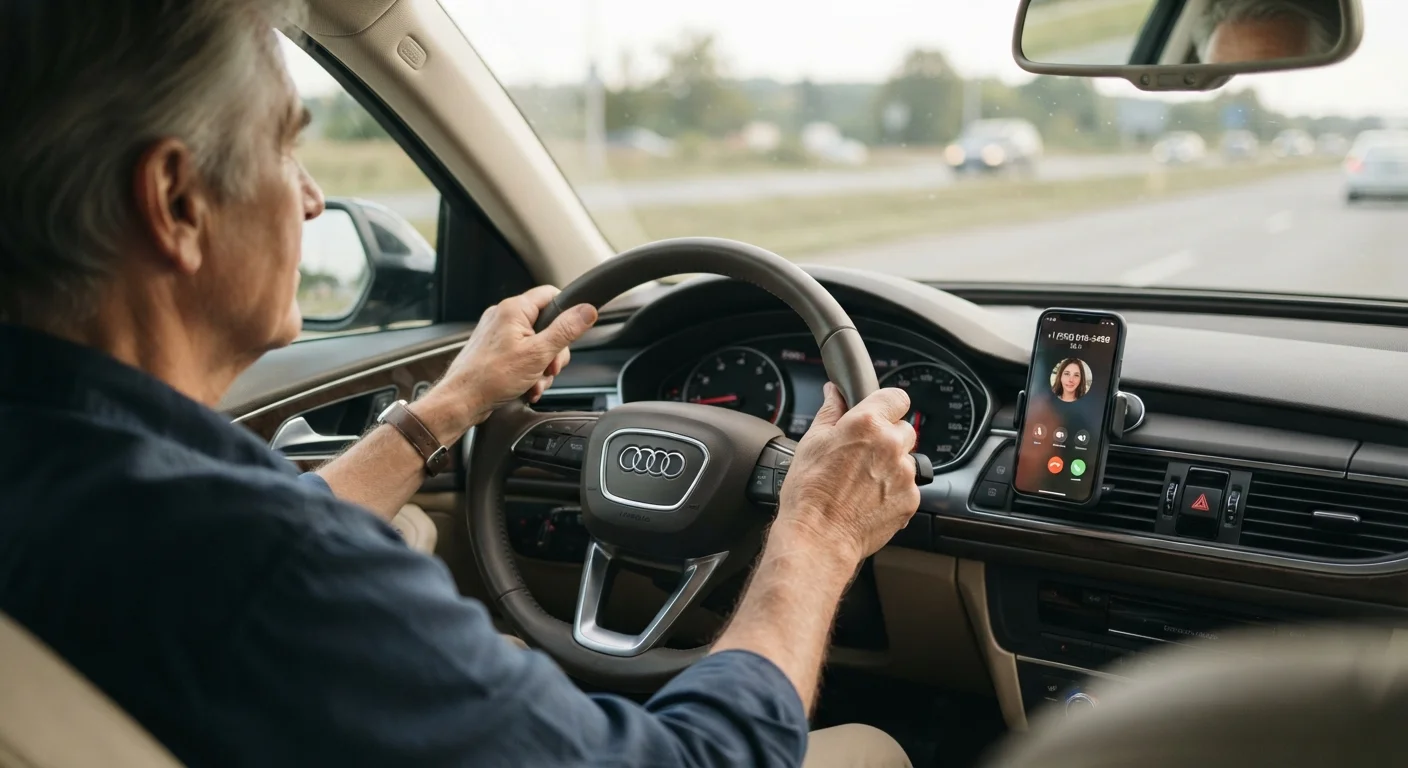
Why Hands-Free Calling Matters for Senior Drivers
For many drivers, taking a hand off the wheel to answer a ringing phone is a familiar habit. But handling a phone while driving — even briefly — increases the risk of a collision. For senior drivers, who may already be managing more complex physical and cognitive demands behind the wheel, reducing distractions is especially important.
Bluetooth hands-free calling addresses this directly. Rather than reaching for a device, you answer a call with a single button press on the steering wheel, or with a short voice command. Your phone stays in your pocket or bag. Your car's built-in speakers carry the conversation. This setup supports safer driving without requiring you to give up staying connected with family, friends, or medical contacts while on the road.
For a broader look at technologies that make driving safer and more manageable, see our Senior Safety Features hub and the companion article on safety features that make the biggest difference for older drivers.
Test Your Connection Before You Drive
After pairing your phone, place a brief test call while the car is parked to confirm sound plays through the speakers and your voice is audible to the other person. Adjust the microphone sensitivity or speaker volume if needed. It's far easier to troubleshoot in a driveway than on a busy road.
How the Technology Works
Bluetooth is a wireless communication standard built into virtually all modern smartphones and most vehicles produced in the last 15 years. When you pair your phone to your car for the first time, the two devices exchange a small security code that allows them to recognize each other. After that, the connection happens automatically every time both devices are nearby and Bluetooth is switched on.
During a call, your phone handles the cellular connection — it's still your phone plan making the call. Bluetooth simply routes the audio: your voice is picked up by a small microphone built into the car's interior (often near the rearview mirror or overhead console), and the caller's voice plays through the car's speakers. You can adjust the volume using the same controls you use for the radio.
Older Vehicles Can Still Use Bluetooth
If your car predates built-in Bluetooth, low-cost FM transmitter adapters or visor-mounted speakerphone units can add hands-free calling capability. These plug into the 12-volt accessory outlet and pair with your phone the same way a built-in system does. Consult a car audio professional or your vehicle's manual before purchasing an adapter to ensure compatibility.
For step-by-step guidance on connecting your phone for the first time, see our article on pairing your phone to your car's Bluetooth system.
What to Expect During Your First Setup
Pairing a phone to a car for the first time involves just a few steps and typically takes less than five minutes. You open the Bluetooth settings on your phone, search for available devices, select your car's name from the list, and confirm a matching number shown on both screens. After that, the process is done.
If you're uncertain about any step, your car's owner's manual includes model-specific instructions, and many smartphone manufacturers offer illustrated guides through their support websites. A family member, pharmacist, or local library tech helper can often walk you through it in person.
~80%
New vehicles with built-in Bluetooth
Industry estimates suggest the large majority of new vehicles sold in the U.S. have included built-in Bluetooth audio as a standard or available feature for over a decade.
3–5 min
Typical first-time Bluetooth pairing time
Most users complete the initial phone-to-car pairing process in under five minutes when following the steps in the vehicle owner's manual.
Understanding how Bluetooth fits into the larger picture of in-car connectivity can also be helpful. Our overview of navigation and connectivity tech for senior drivers covers GPS, backup cameras, and more in plain language.
Keeping Conversations Safe Behind the Wheel
Hands-free calling removes the physical act of handling a phone, but it does not remove the mental effort of holding a conversation. Studies consistently indicate that cognitive distraction — your mind engaged in a dialogue — can slow reaction times even when your hands are on the wheel. This is true for drivers of all ages.
A few practical habits help manage this:
- Keep calls short when you are actively driving in traffic or unfamiliar areas.
- Let calls go to voicemail and return them when safely parked if the road demands full attention.
- Avoid emotionally intense or complicated discussions while driving.
- Use voice commands to initiate calls rather than glancing at a screen.
Hands-free calling is one of several technologies that support safer, more confident driving. For a plain-language overview of driver-assist systems that complement this kind of in-car technology, see driver-assist technology in modern cars.
Frequently Asked Questions
Most vehicles manufactured after roughly 2010 include built-in Bluetooth. If your car is older, you can add Bluetooth capability using an aftermarket adapter that plugs into the FM radio or the 12-volt power port. Check your owner's manual to confirm whether your car has built-in Bluetooth.
Hands-free calling is generally considered safer than holding a phone because both hands stay on the wheel. However, research suggests that the conversation itself can still divert mental attention from driving. Keep calls brief, avoid complex discussions, and pull over safely if a call requires your full focus.
When pairing is successful, your phone's Bluetooth settings will show the car's name with a status like 'Connected' or 'Connected for calls.' Your car's display may also show your phone's name or a phone icon. You can test by making a short call to confirm sound comes through the car speakers.
No. After the initial pairing, most vehicles reconnect to your phone automatically as soon as you start the engine — provided Bluetooth is enabled on your phone. You generally only repeat the pairing process if you get a new phone or reset either device.
Yes, if your car supports voice control or your phone has a voice assistant (such as Siri or Google Assistant). You can usually activate this by pressing and holding the phone button on the steering wheel, then speaking a command like 'Call Mom.' This keeps your eyes forward and hands on the wheel.
The content on this site is for informational purposes only and is not a substitute for professional advice. Always consult a qualified professional for guidance specific to your situation.