

Why the Details That Frustrate You Most Aren't on the Spec Sheet
Car reviewers spend considerable time discussing horsepower, fuel economy, and safety ratings. What rarely makes headlines are the small design choices that will bother you every single day: the cup holder that can't hold a standard travel mug upright, the door handle that requires an awkward grip to pull closed, or the climate controls buried three menu layers deep inside a touchscreen.
For older drivers in particular, these details aren't trivial. They interact directly with comfort, confidence, and safety behind the wheel. The good news is that most of these issues are detectable before you commit — if you know what to look for. See our guide to senior-friendly design features for a broader framework of what genuinely matters in a new vehicle.
Ignoring touchscreen-only controls during the test drive.
Why it happens: Touchscreens look sleek and modern in a showroom, and salespeople often highlight their features. Buyers assume they'll adapt quickly once they own the car.
Overlooking dashboard and instrument cluster glare.
Why it happens: Showrooms use controlled indoor lighting, so glare from angled glass or reflective surfaces isn't apparent until you're driving into morning or afternoon sun.
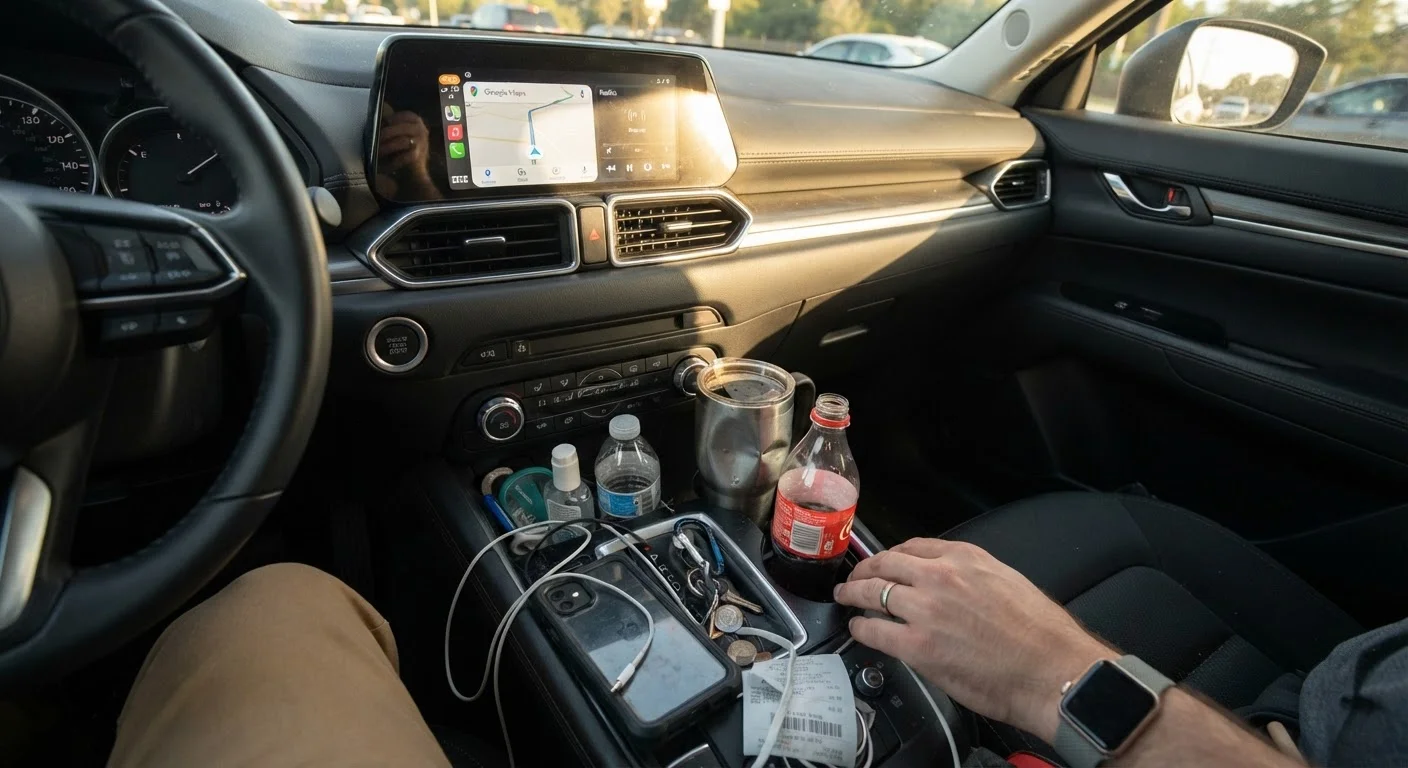
Not testing cup holders, storage compartments, and door pockets with real-life items.
Why it happens: These features feel secondary compared to safety ratings or fuel economy, so buyers rarely think to test them systematically.
Failing to assess door handle ergonomics for entry and exit.
Why it happens: Interior door handles are rarely discussed in reviews, and buyers typically open and close doors only once or twice during a showroom visit.
Accepting an uncomfortable seat position because adjustment controls seem complex.
Why it happens: Power seat controls vary widely between manufacturers and are often small, icon-labeled buttons that aren't immediately intuitive. Buyers sometimes give up adjusting and assume the seat is fine.
Underestimating how confusing a small or complex key fob becomes in daily use.
Why it happens: Key fobs are handled briefly in the showroom and the differences between models are easy to dismiss as minor.
How to Catch These Issues Before You Sign
The most effective protection against daily frustration is a structured, unhurried showroom visit followed by a realistic test drive — not a quick loop around the block, but a drive that includes stop-and-go traffic, a parking maneuver, and time spent adjusting the climate and audio controls while moving.
A Short Test Drive Can Mask Real Problems
Most dealership test drives last 10 to 15 minutes on familiar local roads. This is rarely enough time to experience the frustrations that emerge in real daily use — school pickup queues, highway merges, or parallel parking in tight spaces. Request a longer or more varied route, and don't feel pressured to rush. If a dealer discourages an adequate test drive, that itself is worth noting.
Bring your own travel mug and test the cup holders. Sit in the rear seat if you frequently carry passengers. Try the key fob with one hand. Check whether the instrument cluster is readable in both direct sunlight and low-light conditions. Our showroom walkthrough checklist covers seat height, pedal reach, mirror placement, and infotainment usability step by step.
If you have arthritis or reduced grip strength, pay special attention to door handles, gear selectors, and the steering wheel rim thickness — details explored in depth in the arthritis comfort test drive guide. And if touchscreen complexity is a concern, the comparison of infotainment clarity across new models can help you narrow down candidates before you visit a dealership.
68%
Drivers distracted by in-vehicle technology
A study by the AAA Foundation for Traffic Safety found that 68% of drivers reported being distracted by their vehicle's built-in technology while driving.
40 sec
Average eyes-off-road time for some infotainment tasks
AAA research has found that some common infotainment tasks — such as programming navigation — can take drivers' eyes off the road for more than 40 seconds.
Taking an extra hour during the evaluation process is far less costly than living with an ill-fitting car for five or more years. Approach the showroom like an inspector, not a customer in a hurry, and most of these overlooked details will reveal themselves plainly.
The content on this site is for informational purposes only and is not a substitute for professional advice. Always consult a qualified professional for guidance specific to your situation.