

Summary
18 items · 10–20 minutes
Why a Tech Check Matters Before Every New Trip
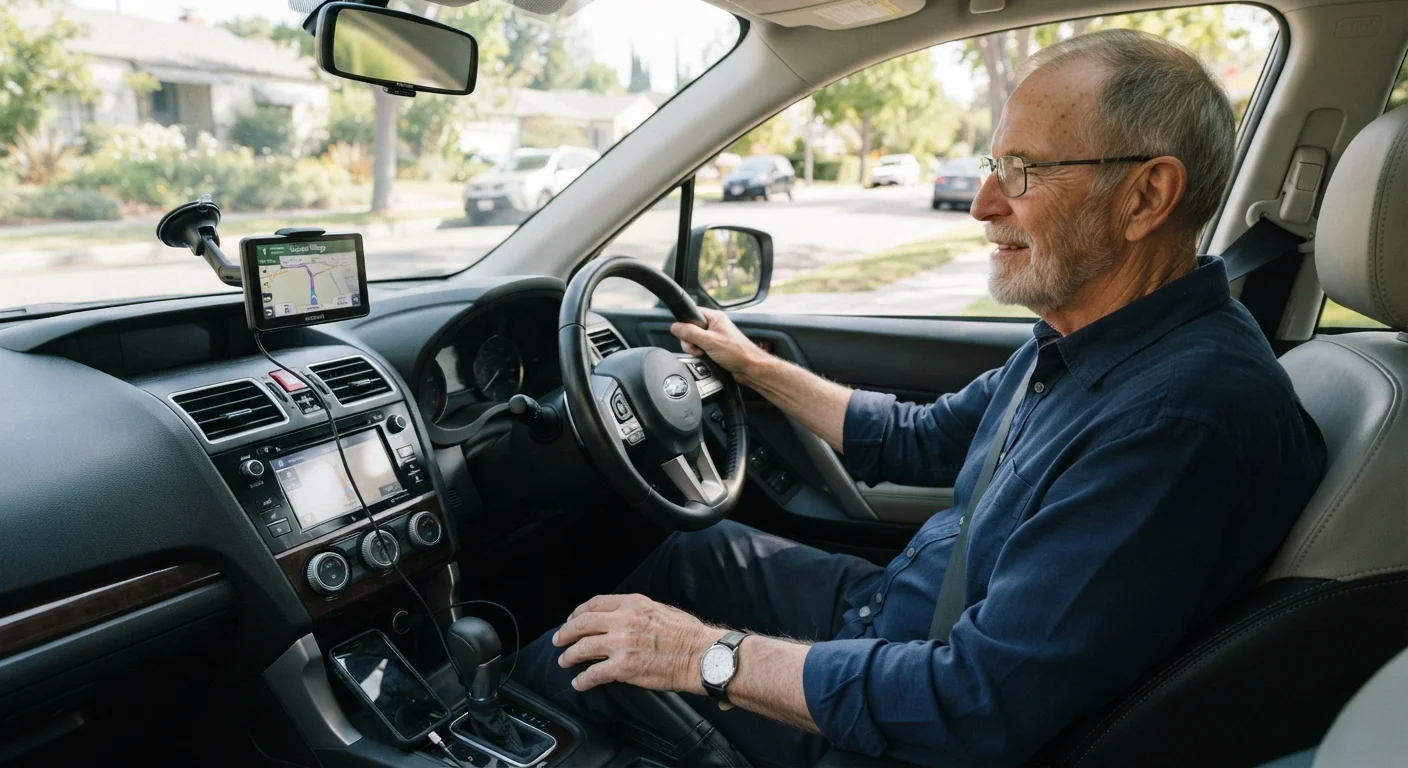
Heading somewhere unfamiliar adds a layer of mental effort to driving. When navigation technology is set up and tested before you pull out of the driveway, you can focus entirely on the road rather than fiddling with a screen at a stoplight. This checklist is designed for drivers who want straightforward, reliable tech support on every trip.
Think of it as a companion to your physical vehicle checks. Just as you might scan your tires and mirrors before driving, spending a few minutes on your devices can prevent the frustration of a dead phone, a silent GPS, or a Bluetooth connection that drops at the worst moment. For a broader look at the technology available to you, see our guide to navigation and connectivity tech for senior drivers.
This checklist covers three areas: GPS and navigation setup, device charging and connectivity, and audio settings. Work through each group while your car is still parked.
GPS and Navigation Setup
Device Charging and Connectivity
Audio and Voice Guidance Settings
Tools You'll Want Within Reach
You don't need anything complicated to complete this checklist. The items below are the core tools that support a smooth, tech-assisted drive to a new destination.
GPS Device or Navigation App
Provides turn-by-turn directions to your destination — either a dedicated device or a smartphone app works for this checklist.
Phone Mount or Dashboard Holder
Keeps your phone or GPS screen at eye level and secure so you never need to hold a device while driving.
Car Charger and Cable
Maintains your phone's battery during longer trips so navigation and emergency communication stay available throughout.
Backup Charging Cable
A spare cable stored in the glove box protects you if your primary cable becomes damaged or stops working unexpectedly.
If you'd like to pair this routine with a full vehicle walk-around, our article on what to look for before you drive covers the physical side of pre-trip preparation. Together, the two routines take under 30 minutes and give you real confidence before any unfamiliar journey.
Never Adjust Tech Settings While Moving
All the steps in this checklist should be completed while your vehicle is parked and the engine is in park. Adjusting GPS destinations, changing audio settings, or troubleshooting Bluetooth while driving significantly increases the risk of an accident. If a tech issue arises after you've started driving, pull over safely before attempting to fix it.
For ongoing trip preparation habits, the Routine Car Checks hub offers additional inspection guides built around senior drivers' needs.
The content on this site is for informational purposes only and is not a substitute for professional advice. Always consult a qualified professional for guidance specific to your situation.