

Why Voice Navigation Matters for Confident Driving
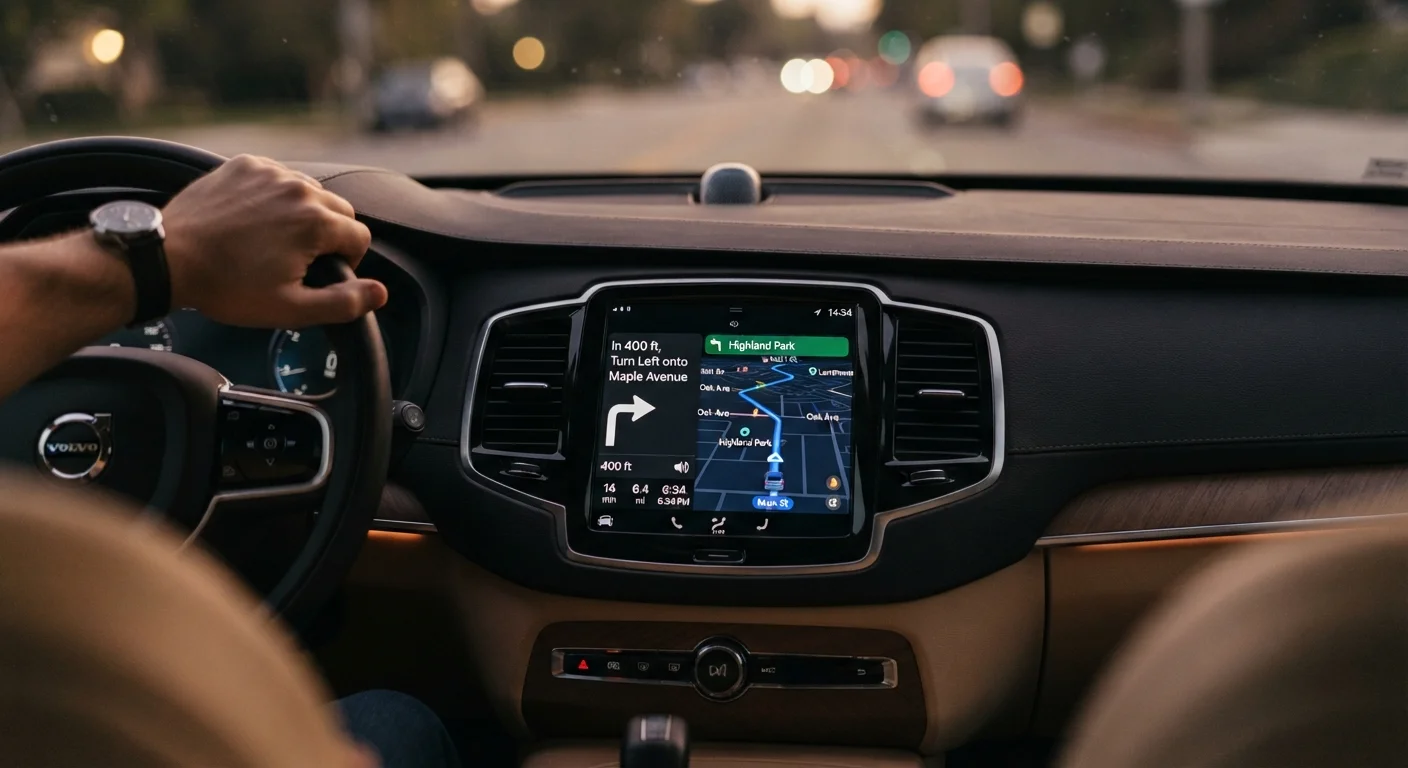
Voice-guided navigation removes the need to read a map while driving or memorize a route beforehand. For drivers who find unfamiliar roads stressful, hearing clear directions out loud — rather than glancing at a screen — keeps attention where it belongs: on the road ahead.
If you're newer to GPS technology, our introduction to GPS navigation covers how these systems work and what to expect when setting one up for the first time. Once you understand the basics, getting the most from voice guidance comes down to a handful of practical habits.
Core Practices for Clearer, Less Stressful Directions
The way your navigation system is configured shapes how comfortable and useful it feels behind the wheel. Small adjustments to volume, timing, and notification style can make a meaningful difference.
Set your voice volume before you start the engine.
Adjusting volume while driving diverts your attention from the road. Testing the volume at home or in a parked car means you won't be caught off guard by instructions that are too quiet to hear or uncomfortably loud at highway speeds.
Enable early turn notifications so instructions arrive well in advance.
Receiving a direction two seconds before a turn causes rushed lane changes and stress. Earlier warnings — sometimes called 'advanced' or 'detailed' guidance — give you time to check mirrors, signal, and move comfortably.
Mount your device at eye level and within easy glance distance.
Even with voice guidance, a quick visual check of the map helps confirm lane position. A secure dashboard or windshield mount keeps the screen visible without forcing you to look down or reach across the car.
Learn what lane guidance instructions mean before your first unfamiliar drive.
Phrases like 'keep left to stay on the highway' or 'take the second exit at the roundabout' can be confusing if you haven't heard them before. Understanding these commands in advance removes uncertainty in the moment. Our navigation terms glossary explains common phrases clearly.
Do a practice run on a familiar route before relying on voice navigation in an unknown area.
Using voice navigation on a road you already know lets you focus entirely on understanding how the system communicates, without the added pressure of navigating somewhere new. Confidence built on familiar ground transfers well to unfamiliar destinations.
For a broader look at navigation features designed specifically to reduce confusion, see our article on tech features that make navigation less stressful.
What 'Recalculating' Actually Means
When your navigation says 'recalculating,' it simply means you've moved off the planned route and the system is finding a new path to your destination. There's no need to pull over or panic — just keep driving safely and the new directions will follow within seconds. Most navigation apps handle this automatically without any input from you.
Quick Steps You Can Take Before Your Next Drive
You don't need to overhaul your setup all at once. These actions take just a few minutes and can noticeably improve how natural voice directions feel.
“The goal of voice navigation is to reduce cognitive load on the driver — not add to it. When the system is configured well, it feels like a calm, well-timed co-pilot rather than a source of last-minute surprises.”
— Transportation Human Factors Research Community, General principle cited across driver-assistance and interface research literature
Pairing good navigation habits with your car's other driver-assist features adds another layer of confidence. Our guide to using your car's safety systems day to day offers practical advice for seniors on making the most of what's already installed in your vehicle.
The content on this site is for informational purposes only and is not a substitute for professional advice. Always consult a qualified professional for guidance specific to your situation.